New releaseAutomatic redaction
REDACT Driven by detection.
Automatic video redaction for police and forensic units
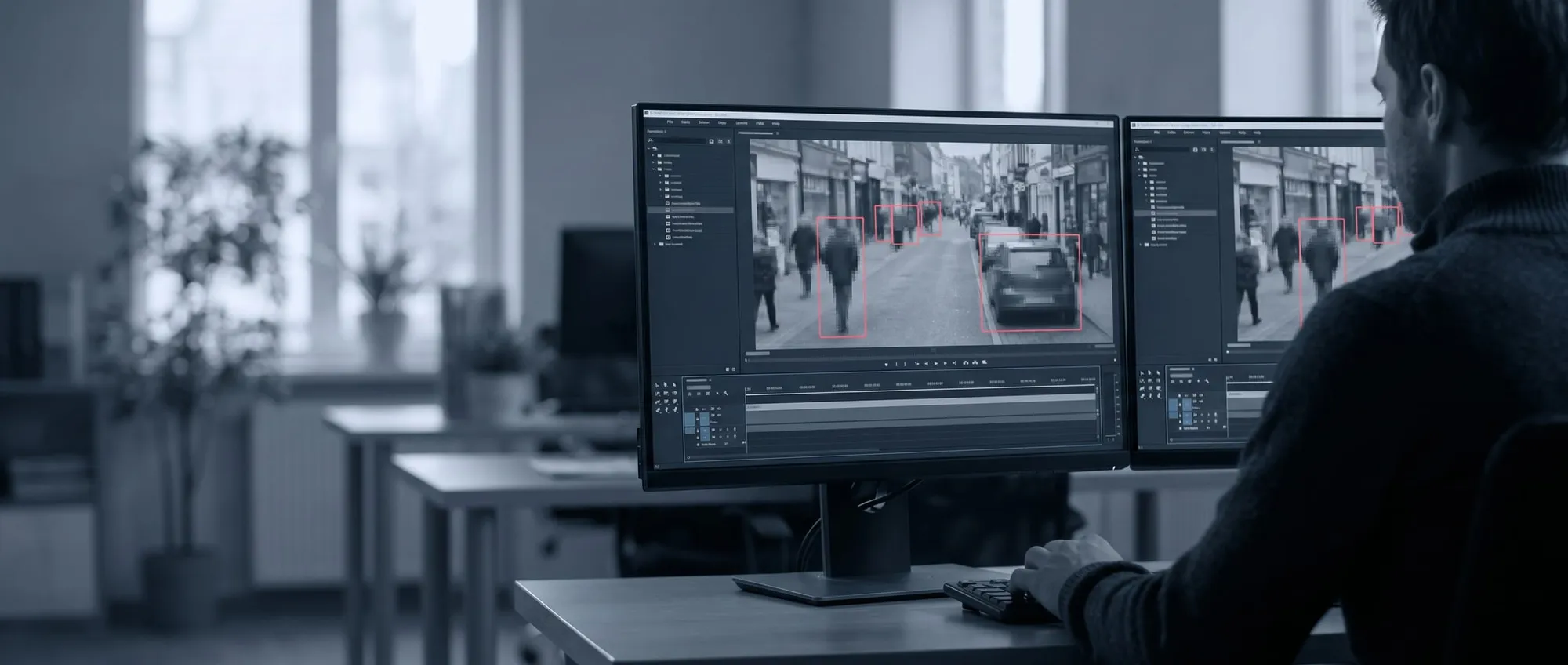
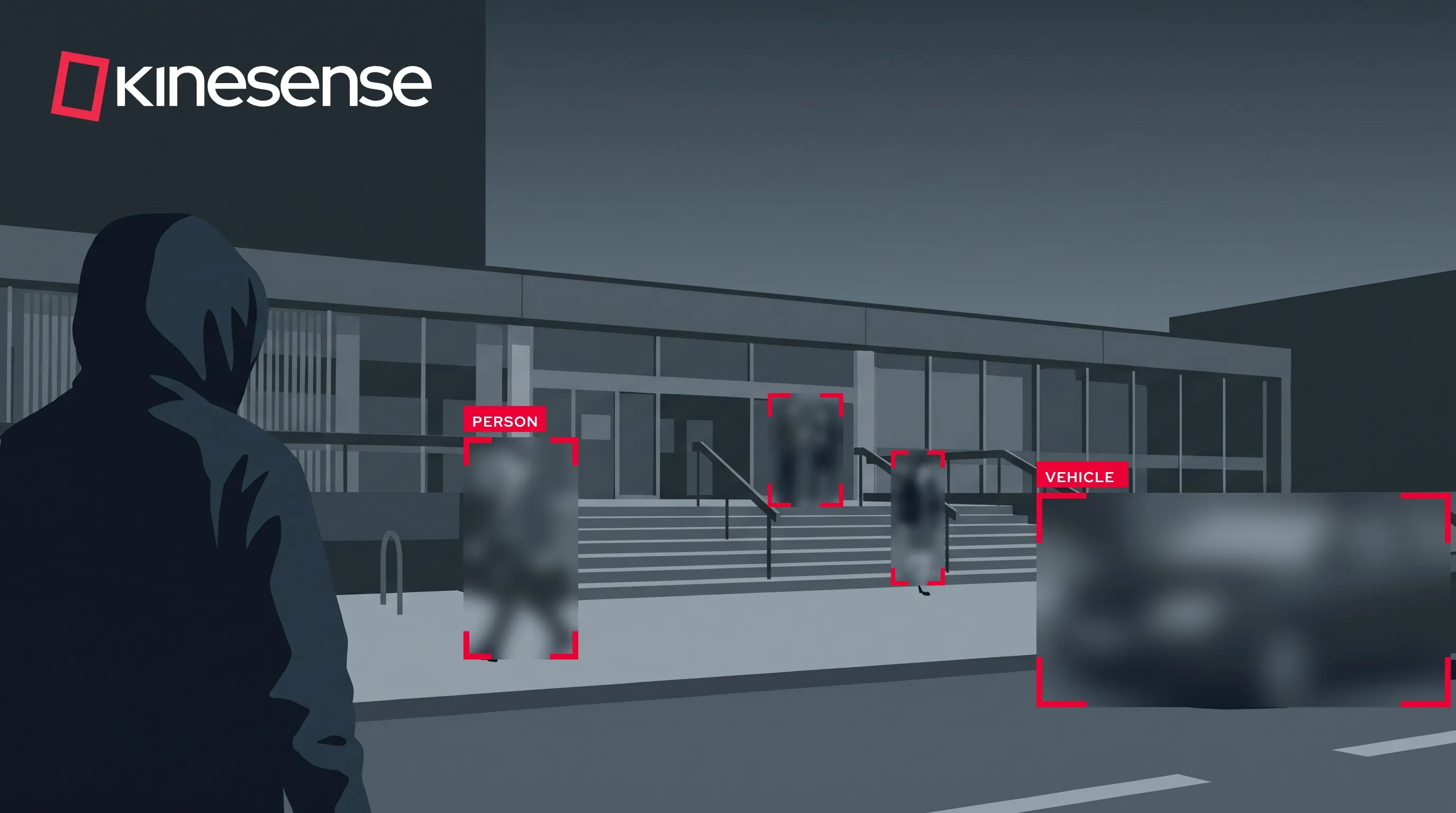
Kinesense REDACT detects people and vehicles across your video and redacts them automatically, replacing frame-by-frame manual work. If it misses anything, correct it in the same place. Included in Kinesense LE, or available on its own.
Automatic
people and vehicles
Correct
in the same place
In LE
or standalone
15,000
frames in a ten-minute clip at 25 frames per second.
Disclosure shouldn’t mean frame-by-frame work.
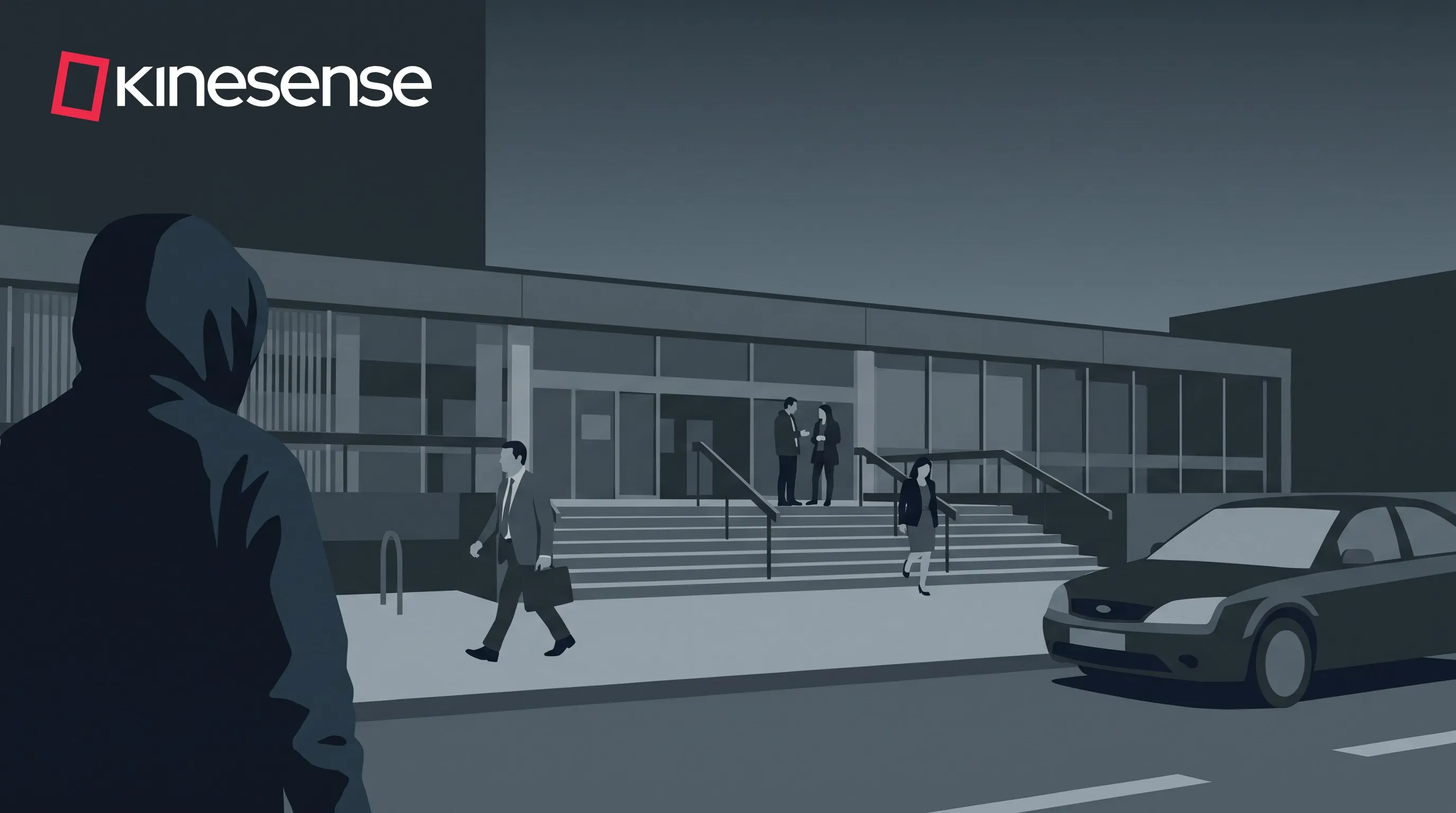
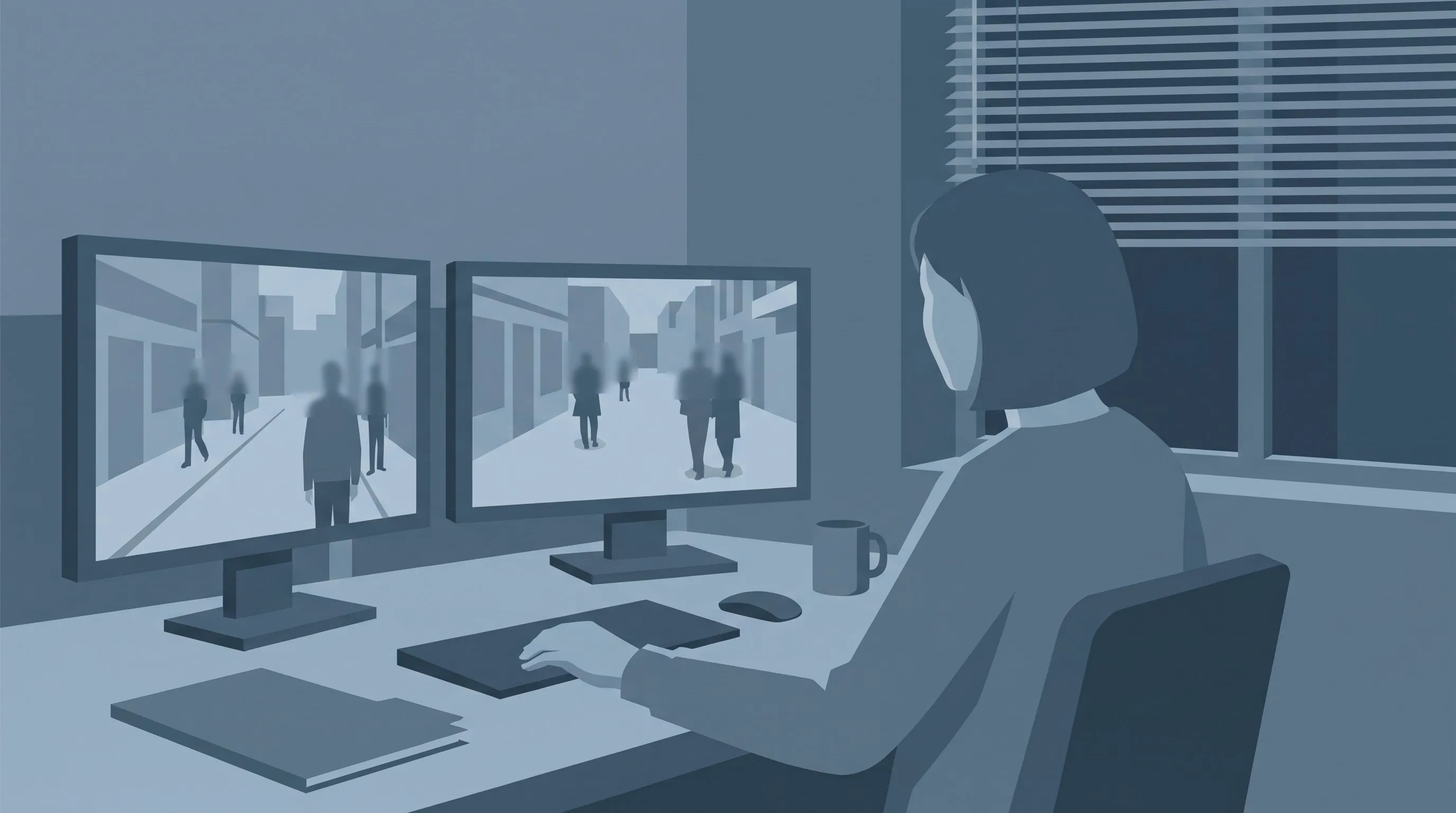
Preparing footage for court, partner agencies, information requests or the public usually means someone masking people and vehicles by hand, frame after frame. It is slow, repetitive and takes your skilled analysts away from the analysis only they can do.
Automatic redaction does the first pass for you. Your analyst reviews the result and fixes what needs fixing.
Featured highlights
Redaction driven by detection
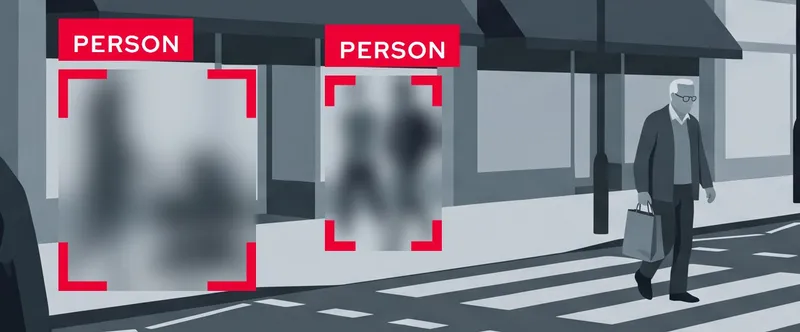
People and vehicles are found across the whole video and redacted in one pass, so analysts no longer mask them by hand, frame by frame.
Choose which detections to redact
Turn the events from face, licence plate, object or attribute detection into blurred annotations, choosing which algorithm's events to use.
Blur you control
Correction in the same place
Detection across the whole video
Run detection at import or by reprocessing the video, so the people and vehicles are found for you, not marked by hand.
Ready for disclosure
Prepare footage for court and CPS disclosure, FOI and subject access requests, partner agencies and public appeals.






From detection to redaction, in three steps
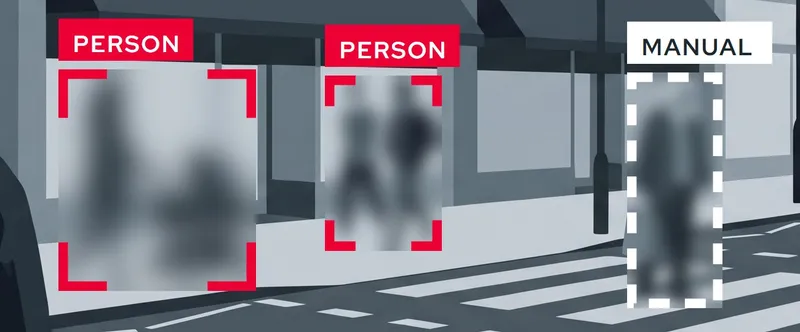
The automatic pass and manual correction sit in the same place.
Detect
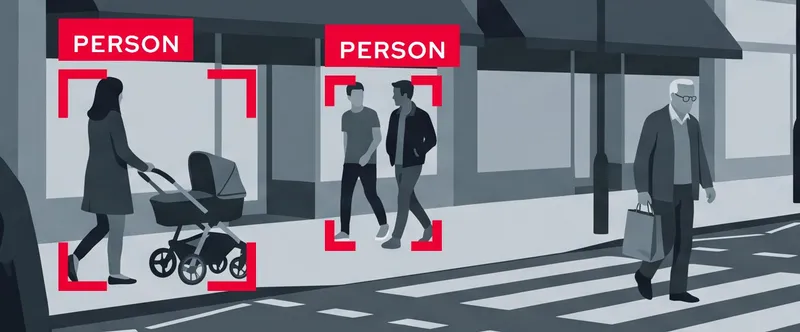
Person and vehicle detection runs across the video, at import or by reprocessing it.
Redact automatically
Everything detected is blurred, with the blur type, intensity, shape and margin you choose. No frame-by-frame manual work.
Correct anything it missed
Review the result and move, resize, delete or add annotations in the same place, as you would by hand.

The platform
In Kinesense
From detections to redactions, in one dialog.
Auto Annotation turns the events from a detection algorithm into blurred annotations, ready for an analyst to review.
- Run face, licence plate, object or attribute detection on the video, at import or by reprocessing it.
- In Annotations, click Auto Annotation and choose which algorithm’s events to use.
- Set the blur type, intensity and shape, and enlarge the blur for a safety margin.
- Click Auto-annotate, then move, resize, delete or add annotations as you would by hand.
Specifications
- Detects
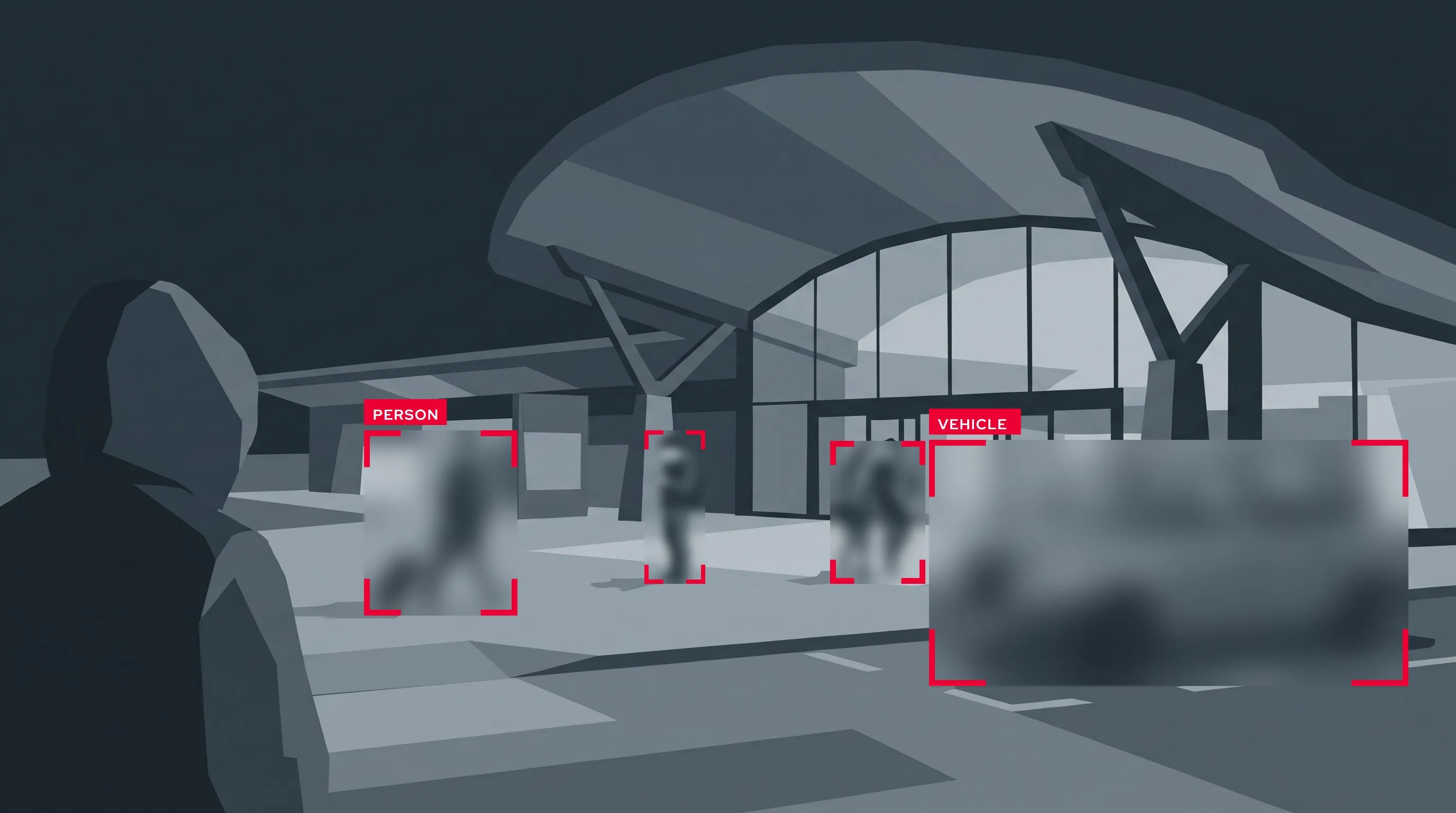
- People, faces, licence plates and vehicles (including the vehicle type)
- Redaction
- Automatic, with manual correction
- Blur options
- Type, intensity, shape and safety margin
- Availability
- Included in Kinesense LE, or standalone
Where it’s used
- Preparing footage for court and CPS disclosure
- Responding to FOI and subject access requests
- Sharing footage with partner agencies
- Releasing footage to the media or the public, such as appeals and community safety campaigns
Who it’s for
CCTV / Video Unit
Your job is video, you need the specialist tools: clarification and enhancement, extensive storyboarding capability.
Digital Forensics Unit
Need to ensure workflows are ISO 17025 compliant.
Investigator / MIT
Quickly build a sequence of event tracking victim, witness and suspect movements.



For customers and resellers.
Questions, answered.
Have a question that is not covered here? Contact your Kinesense account manager and we will be happy to help.
Book a demoAbout automatic redaction
What is automatic redaction?
Automatic redaction detects people and vehicles across your video and redacts them for you, replacing frame-by-frame manual work. It is designed to take the repetitive first pass off your analysts.
What does it detect and redact?
People, faces, licence plates and vehicles, including the type of vehicle.
How does it work?
In three steps. First, Detect: person and vehicle detection runs across the video. Second, Redact automatically: the people and vehicles found are redacted without frame-by-frame manual work. Third, Correct anything it missed: the automatic pass and manual correction sit in the same place.
What if the automatic pass misses something?
You can correct it manually. Because the automatic pass and manual correction sit in the same place, there is no need to switch tools or start again.
Does it replace my analysts?
No. It replaces the repetitive, frame-by-frame masking work. Your analysts stay in control and can review and correct the result.
Availability and getting started
Where is automatic redaction available?
In Kinesense REDACT, our new automatic redaction product. It is included in Kinesense LE and is also available on its own.
Is there a step-by-step guide?
Yes. Our Tips & Tricks guide, How to use automatic video redaction with Auto Annotation, walks through each option in the Auto Annotation dialog.
How do I see it working?
Ask for a demo. We will show automatic redaction on footage like yours. Contact your Kinesense account manager or reseller to arrange one.
Who can I speak to about licensing and pricing?
Your Kinesense account manager or reseller can advise on licensing and pricing for your organisation.
When it is used
When would a team use automatic redaction?
Whenever footage has to be prepared for release and people or vehicles must be masked, for example for court and CPS disclosure, information and subject access requests, sharing with partner agencies, or releasing footage to the media or the public.
For resellers
Who should I position automatic redaction to?
Digital forensic units and any team that regularly prepares video for disclosure. The core message is that redaction becomes driven by detection, so analysts no longer redact by hand, frame by frame.
What are the key points to cover in a conversation?
Three things: it detects people, faces, licence plates and vehicles across the video, it redacts them automatically, and anything missed can be corrected in the same place. It is available as Kinesense REDACT, included in Kinesense LE or on its own.
Where can I get demo access and sales materials?
Contact your Kinesense account manager, who can arrange demo access and supply current campaign materials.
See automatic redaction in action.
Book a demo and see how much frame-by-frame work your team could hand over to detection.