Guides
How to review hours of CCTV footage quickly
Reviewing hundreds of hours of CCTV by eye is slow and error-prone. Here is how investigators use video analytics to cut it to the minutes that matter.
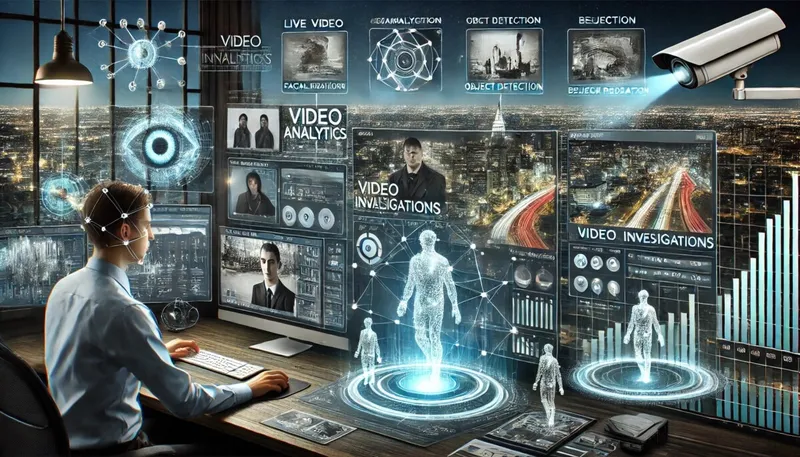
The fastest way to review hours of CCTV footage is to stop watching all of it. Video analytics software detects movement, people and vehicles in every frame, so an investigator only watches the moments that contain something relevant, then checks those frame by frame. In Kinesense REVIEW this filters hours of footage down to minutes, while every review action is recorded for disclosure.
This guide explains how that works in practice, and what to check so the result stands up in court.
Why manual CCTV review is slow
A single serious case can bring in footage from shop DVRs, council cameras, body-worn video, dash cams and phones, often running to hundreds of hours. Watching it at normal or double speed is slow, and attention drops after the first hour, which is exactly when a brief appearance gets missed.
There are two problems to solve: getting every file to play at all, and then finding the few seconds that matter inside it.
Step 1: Get all the footage into one place
Before anything can be searched, it has to be playable. Much CCTV is exported in proprietary formats that only the manufacturer’s player can open. Kinesense ingests over 3000 video formats directly, including proprietary DVR and CCTV exports, body-worn and in-vehicle footage. See How to play proprietary CCTV and DVR video files for how this works.
On import, the original file is preserved and hashed, and the investigator works on a copy. That keeps the source untouched, which matters later for the audit chain.
Step 2: Let analytics find the activity
Run detection when the video is imported, so results are ready when you open the case.
- Motion and event detection finds every period with activity and skips the empty hours. Kinesense’s motion detection works on video as low as 2 frames per second, which is common on older CCTV.
- Object classification separates people from vehicles, so you can ignore one or the other. See How to classify people and vehicles on import.
- Zones limit detection to part of the frame, such as a doorway or a car park entrance, and discard wind, rain and passing traffic. See How to analyse only part of the frame on import.
You can run several algorithms on the same video. See How to run multiple analysis algorithms on one video.
Step 3: Search by what the person or vehicle looks like
Once detections exist, search them by description instead of scrolling through time. Kinesense supports 16 search attributes:
- People: gender, age range, hair length, carrying items, hat, glasses, sleeve length, lower body clothing length, upper body colour and lower body colour.
- Vehicles: vehicle type and vehicle colour.
- Used together: licence plate and OCR, face detection, direction of movement, and zone.
A description from a witness (“red top, dark trousers, heading north”) becomes a search across every camera in the case. Licence plate search accepts partial plates, so a fragment of a registration is still a lead. See How to detect licence plates in CCTV video.
Step 4: Verify every result by eye
Analytics narrow the search; they do not replace the investigator. Open each result and confirm it frame by frame. Kinesense shows what was detected, which processing layer identified it and where it occurred in the footage, not just an unexplained confidence score, so you can explain each finding.
Bookmark confirmed events as you go. Each bookmark keeps its camera, timestamp and source file, and builds the viewing log.
Step 5: Turn the findings into an exhibit
Sequence the bookmarked events into a storyboard, redact third parties, and export the storyboard, viewing log and disclosure report. Because every action was recorded during review, the disclosure log is generated from the work already done. See Kinesense REPORT.
What affects how well this works
- Frame rate and resolution. Motion detection works from 2 fps. Attribute searches need more detail, and vehicle type and colour hold up best when the subject is small in frame.
- Moving cameras. Some algorithms need a static camera. Person and vehicle attributes, licence plates and face detection also work on body-worn, dash-cam and hand-held footage.
- Hardware. Motion detection and object classification run on a standard CPU. A GPU is only needed for the in-depth attribute layers.
Does using analytics affect admissibility?
Not when the original is preserved and every processing step is recorded. The disclosure log shows what video was imported, by whom and when; how it was watched, with what algorithm, and whether frame by frame; who clarified it and how; and what reports were generated. More in the FAQ.
To see this on your own footage, book a demo.